How My AI Actually Remembers: OpenClaw, Session Files, and the Compound Effect
Most AI assistants start from zero every session. Here's the exact architecture (session memory, context compacting, and a synced knowledge base) that makes Cass genuinely useful over time.
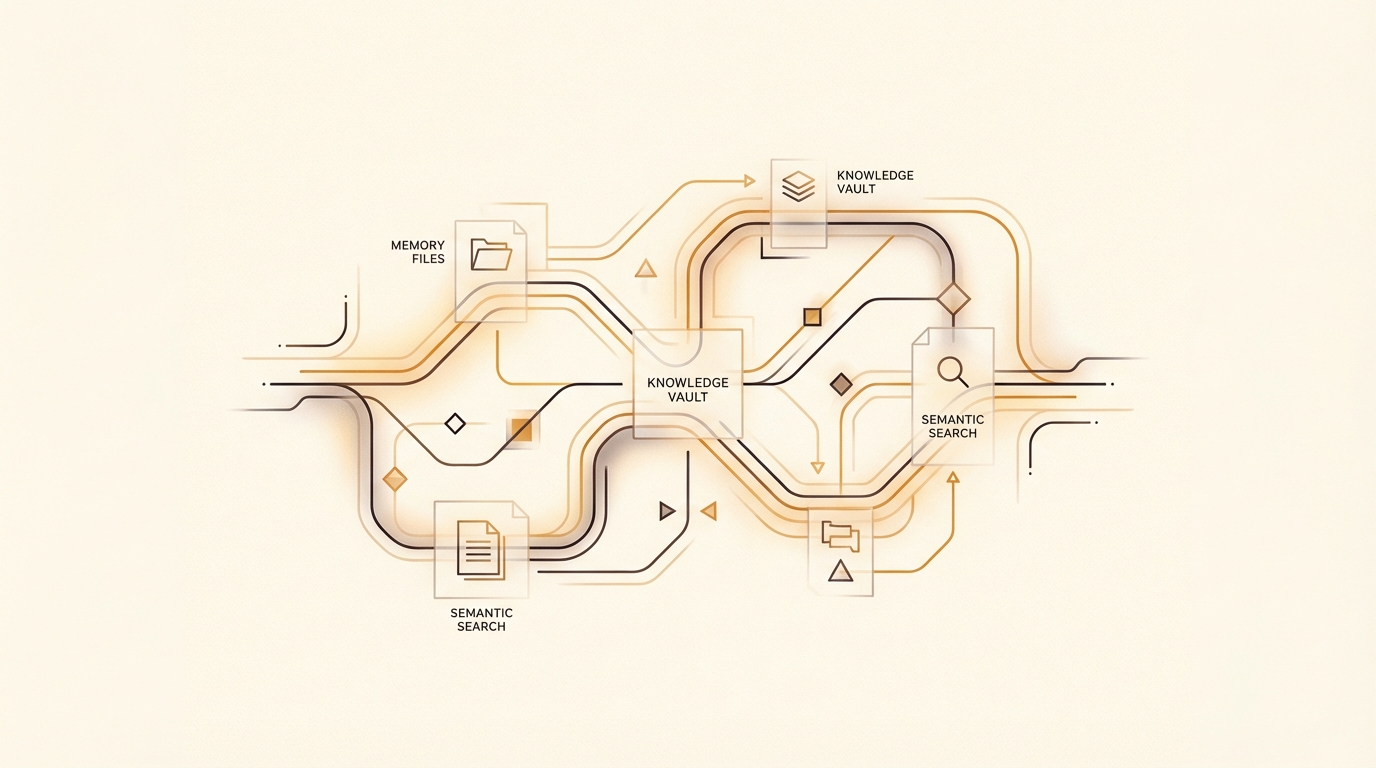
How My AI Actually Remembers: OpenClaw, Session Files, and the Compound Effect
Most AI assistants are goldfish. You finish a conversation, close the tab, and everything you built together vanishes. The context resets. The project details disappear. Next time you return, you’re starting from scratch.
I got tired of that. So I built something different.
My AI assistant remembers everything. Not because of clever prompt engineering, but because of a deliberate architecture built on top of OpenClaw, and it took me a while to understand how all the pieces fit together.
The Platform
OpenClaw is the AI agent platform that sits at the centre of how I work. It runs on a private server and handles session management, tool routing, and agent coordination. When I send a message, OpenClaw routes it to Cass, my orchestrator, which in turn coordinates specialists: Forge for development, Quill for content, Scout for research.
The routing is simple. The memory architecture is where it gets interesting.
The Compacting Problem
Here’s something most people don’t think about when they start using AI tools seriously: context windows are finite.
Every AI model has a limit on how much it can hold in working memory at once. When you hit that limit in a long session, older messages get summarised (compacted) to make room for new ones. If you’re running a long coding session or a complex research task, this happens silently in the background.
The problem: if your important context only exists inside the conversation, compacting destroys it. Critical decisions, half-finished reasoning, key constraints: all of it gets compressed into a paragraph, or disappears entirely.
Most people discover this the hard way. I discovered it early, which is why the session memory system exists.
The Solution: Write-Ahead Memory
The fix is simple in principle: write important information to files before it can be lost.
Every time Cass does anything meaningful, it writes a summary to a session state file first. Before every response, not after. This is a write-ahead log, the same principle databases have used for decades to survive crashes.
When compacting happens, the conversation history gets compressed. But the file remains. When the next session starts, Cass reads the file and has full context again. Nothing important lives only in the conversation.
This is the foundation. The rest of the system builds on it.
The Session Protocol
Every session starts the same way, without exception:
- Read the session state file: current state across all active work
- Read the active tasks list: what’s in flight right now
- Pull today’s and yesterday’s daily notes
- Read the memory index and load relevant topic files
- Run a semantic search against all memory files for context on the current request
That last step matters more than the others. The memory system contains structured files covering projects, tools, lessons learned, infrastructure, and the agent roster. Before acting on anything involving preferences, decisions, people, or projects, Cass searches these files semantically: not keyword matching, but vector search that finds conceptually related information even when the words don’t match.
When I send a message about a client project, Cass already knows the history. The decisions. The tech stack. What broke last time. What not to do again.
The Knowledge Base
Session files handle working memory. A synced knowledge base handles institutional memory.
It’s a private git repository I can access from any device. On desktop and mobile I use Obsidian, a markdown editor, with a sync plugin that commits to the repository automatically. Cass pulls from the same repository before reading and pushes after writing. We work from a single source of truth.
The structure follows a simple framework: Projects (active work), Areas (ongoing responsibilities), Resources (reference material), Sources (research and inputs), Archive (completed work). Every note has a consistent format. Cross-links connect related ideas.
This matters because institutional knowledge is usually scattered: across email threads, Slack messages, documents nobody can find. Pulling it into a structured, searchable, AI-accessible repository changes the nature of every conversation.
The Memory Quality Rule
A memory system is only as good as what’s written into it.
Every entry needs the reasoning attached. Without it, you’re hoarding data. With it, you’re building knowledge.
The difference looks like this: a note recording a configuration value is useful. A note recording the same value and explaining that it must be set before a specific command or the tool silently fails is actionable. Same storage cost. Completely different utility.
I enforce this consistently. Not perfectly. Plenty of notes in the system are just facts. But the ones that earn their keep are the ones with context attached.
The Compound Effect
Here’s what changes when your AI actually remembers: every conversation builds on the last.
Without memory, every session starts with context-setting. Here’s the project. Here’s what we decided. Here’s what not to do. This takes time, introduces errors, and never quite captures everything.
With memory, I say “work on the client project” and Cass already knows: which client, what’s in progress, what decisions were made last week, what the PR is waiting on, what the next task is.
The value isn’t in any single session. It’s in the accumulation. Each decision captured makes the next decision better-informed. Each lesson recorded means the mistake doesn’t happen twice. Each project note means context never needs to be rebuilt from scratch.
This is the compound effect of structured AI memory. Not dramatic in any single interaction. Transformational over months.
What This Means in Practice
For UK SMEs, the lesson isn’t “build exactly this system.” It’s “treat memory as infrastructure.”
Most businesses using AI do it session by session. Each conversation is self-contained. The AI learns nothing, builds nothing, accumulates nothing. It’s the digital equivalent of hiring a contractor who forgets everything at the end of each day.
The businesses that get compound value from AI are the ones that invest in persistence. Not better prompts. Better systems. Context that survives a conversation. Decisions that are still accessible six months later. Lessons that don’t need to be relearned.
You don’t need OpenClaw to do this. You need the principle: important context belongs in files, not just in conversations.
Start there. The rest follows.
Sources and References
-
LLM context windows: Every major AI model has a finite context window. Claude Sonnet: 200,000 tokens. GPT-4o: 128,000 tokens. Gemini 1.5 Pro: 1 million tokens. When the window fills, older content is summarised or dropped. See: Anthropic: Claude model overview; OpenAI: GPT-4 context lengths; Dataannotation.tech: Context Windows Explained.
-
Write-ahead logging (WAL): A standard database technique: write changes to a log before applying them, so state can be recovered after a crash. Used in PostgreSQL, SQLite, and most production databases. See: PostgreSQL WAL documentation; Wikipedia: Write-ahead logging.
-
Vector/semantic search: Retrieval method that finds conceptually related content even when exact words don’t match, by comparing embedding vectors. See: Pinecone: What is semantic search?; Anthropic: Embeddings overview.
-
Obsidian: Markdown-based knowledge management app with local storage and optional sync. obsidian.md.
-
PARA framework (Projects, Areas, Resources, Archive): Knowledge organisation system developed by Tiago Forte. See: Forte Labs: The PARA Method; Building a Second Brain (Tiago Forte, Profile Books, 2022).
-
OpenClaw: The AI agent platform referenced throughout this article. openclaw.ai.
Frequently asked questions
01Why do most AI assistants forget context between sessions?
Why do most AI assistants forget context between sessions?
Most AI assistants operate within a context window, a fixed amount of text they can hold in memory at once. When the session ends, that window is cleared. There is no persistent store by default, so every new conversation starts from zero regardless of prior work.
02How does OpenClaw give an AI assistant persistent memory?
How does OpenClaw give an AI assistant persistent memory?
OpenClaw uses write-ahead logging and session protocol files to record what the agent learns during a session and carry it forward into future sessions. Combined with a synced knowledge base organised using the PARA framework, the agent builds cumulative context over weeks and months rather than resetting each time.
03What is the PARA framework for organising an AI knowledge base?
What is the PARA framework for organising an AI knowledge base?
PARA stands for Projects, Areas, Resources, and Archives. It is a filing structure that gives the AI agent a predictable place to store and retrieve information about ongoing work, recurring responsibilities, reference material, and completed tasks. Consistent structure is what makes the memory useful rather than just large.
04What is the compound effect in AI memory systems?
What is the compound effect in AI memory systems?
The compound effect describes how a well-maintained memory system grows more valuable over time. Each session adds context that makes future sessions more accurate. The article argues this is the primary differentiator between an AI assistant that stays generic and one that genuinely understands your business.